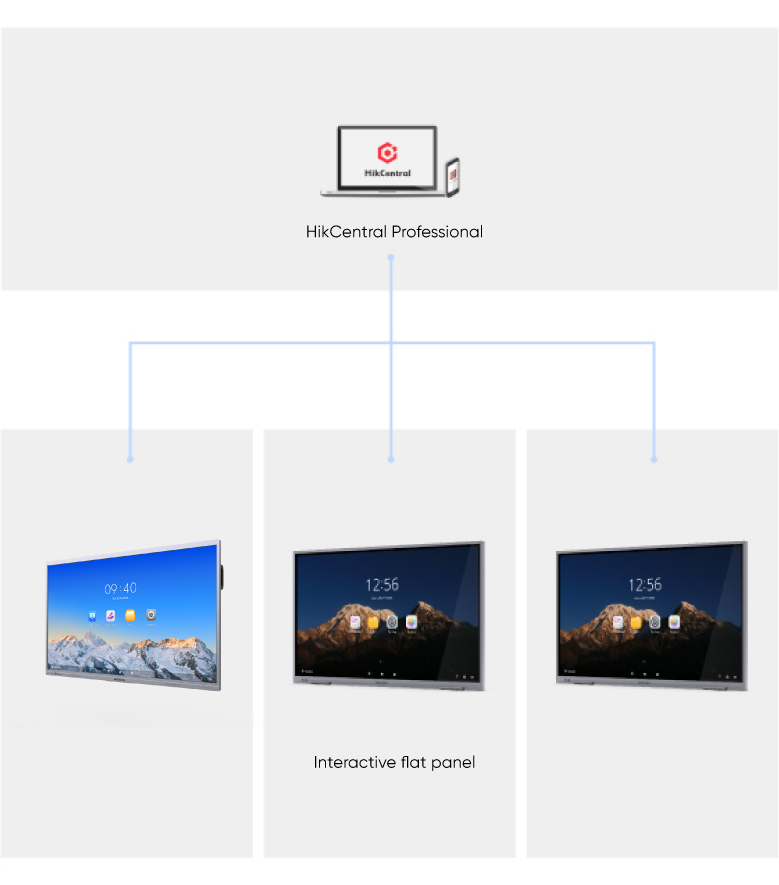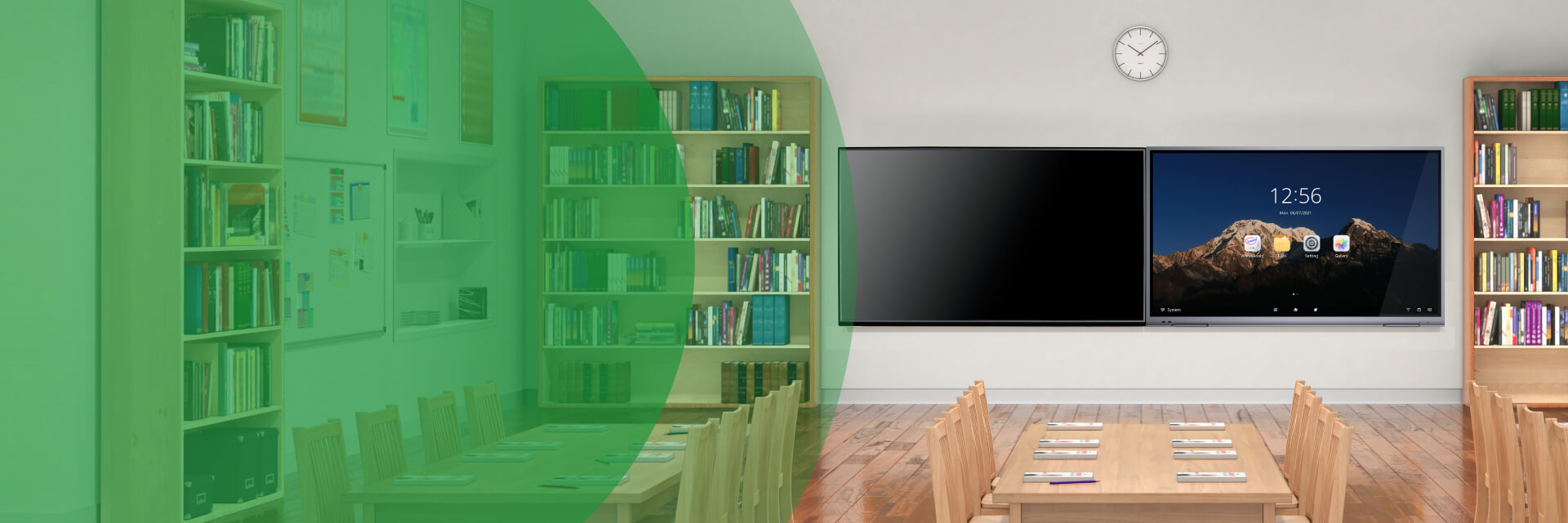
The movement toward informatization in education is continually being pursued. Also, students growing up in a technological world are eager for more immersive learning experiences and better education resources. Hikvision's Classroom Hub stands at the forefront of this movement, extending real classrooms to digital, virtual classrooms, bridging all kinds of gaps between teaching and learning. This solution overcomes a variety of challenges by offering digital teaching, remote learning, and multi-classroom instruction. The Classroom Hub Solution provides digital teaching tools responding to the new educational informatizations needs. All educational staff can enjoy more connectivity, engagement, and learning breakthroughs by using our smart teaching assistant, easy-to-use software, and collaboration of multiple applications.

In conventional classrooms, teaching tools offer limited formats for writing, illustration, and other resources, which also makes learning very challenging for the students sitting in the back row or students with other learning difficulties. Moreover, classroom-bound teachers need a whole host of tools to create lessons, including chalk, markers, a projector, chalkboard or whiteboard, pointer, and so on. "Teaching" and "efficiency" do not commonly go together.
Hikvision's Interactive Flat Panel presents a new kind of intelligent teaching assistant. This digital teaching tool integrates the latest technologies in touch controls, high-definition display, video processing, network communications, interactivity, and audio features, with abundant third-party teaching resources available as well. Teachers can intuitively create digital instruction to boost the learning environment and experience, enjoying more interactivity with students.
Benefits
Easy wireless projection from a smartphone, iPad, PC or Mac, sharing multimedia teaching materials across multiple teaching formats
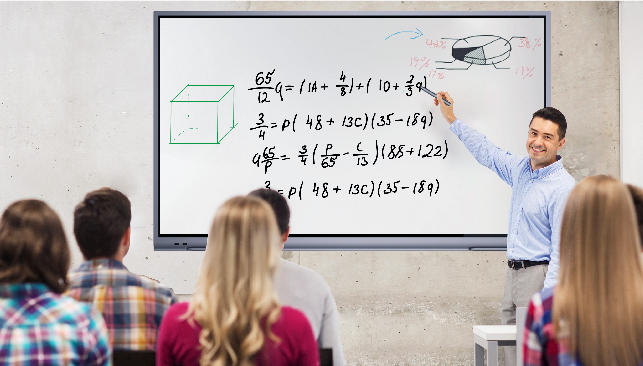
With flexible white board software, users will enjoy more powerful visual experiences than with a traditional blackboard
Educators can explore more possibilities with the openness to third-party applications from Window or Android
Features
150 mesh, ultra-fine sandblasting frame for an extraordinary user experience
Filters out >60% ultrashort-wave blue light to protect eyes
Supports up to 4 terminals projecting simultaneously via window splicing
Up to 20-point IR touch sensitivity so several people can use the panel display at the same time